About Button Box
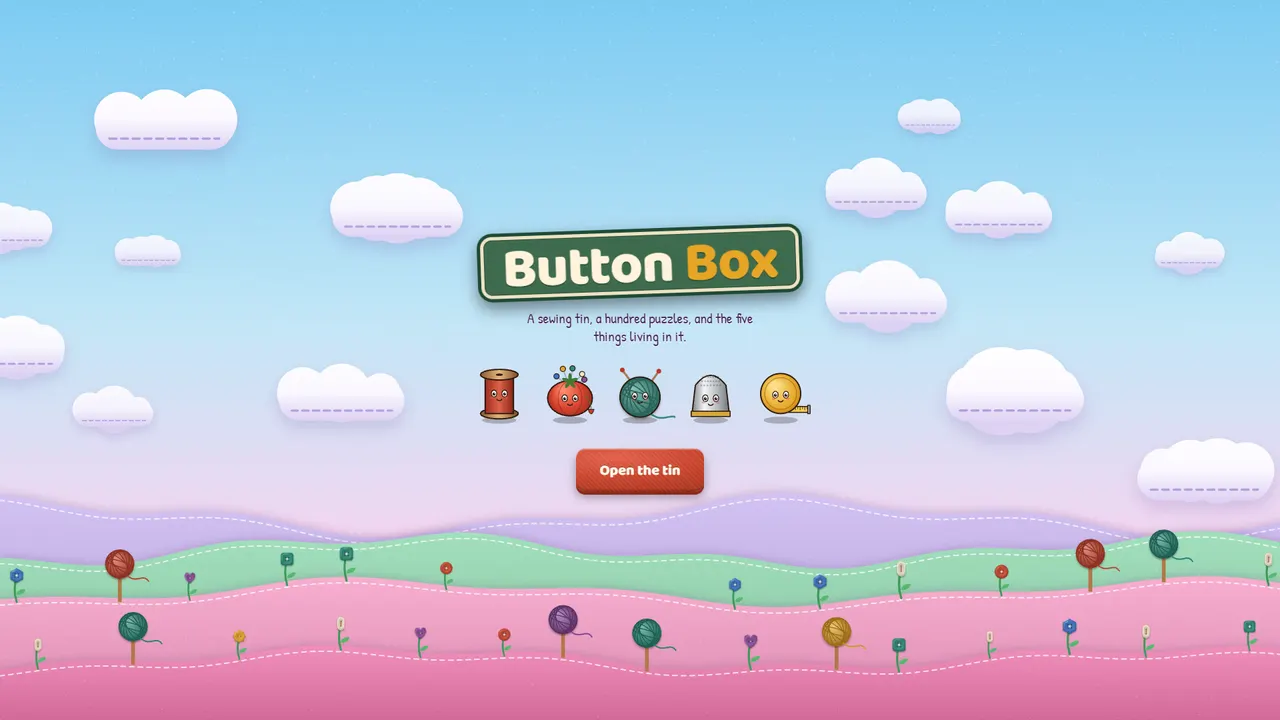
Button Box is a free match-three puzzle game you play in your browser. The board is a felt tray in an old sewing tin, and the pieces are buttons. Swap two neighbours to line up three or more of a kind, clear the goals before you run out of moves, and work your way up a stitched map of 100 levels.
Bigger matches make special buttons. Four in a row sews a stitch that clears a whole line, an L or T shape makes a snap that clears a 3×3 patch, and five in a row makes a magnet that pulls every button of one colour. Combine them for the big moments. Each chapter brings in one new idea, like knots to undo and thimbles to free, so the puzzles keep changing.
Ten chapters climb through fabric scenes of felt hills, quilted clouds and pom-pom trees, hosted by five characters with their own dry voices: Bobbin, Tuffet, Purl, Pip and Tape. Every colour of button also has its own shape, so the board stays readable for colour-blind players.
Play with a mouse or a finger by dragging a button onto its neighbour, or tap one and then the other. Keyboard players can move with the arrow keys and press Enter. Your stars and the chapter you've reached save in your browser.
What's inside
- 100 levels in ten chapters on a stitched, scrolling map
- Special buttons: stitch (a line), snap (3×3) and magnet (one colour)
- Knots, layers and thimbles that change how each chapter plays
- Five characters: Bobbin, Tuffet, Purl, Pip and Tape
- A shape for every colour, so colour-blind players can read the board
- Drag, tap-tap or keyboard controls
How we built it
- 01
A heuristic bot plays every level many times and a calibration script sets each level's moves so the bot's win rate follows a planned difficulty curve.
- 02
The board rules are a pure module that returns each move's steps, so the same code drives the renderer, the in-game hint and the calibration.
- 03
Every picture is drawn in code to a canvas and cached, and nothing redraws unless it moves, which keeps phones cool and batteries happy.
- TypeScript
- Canvas 2D
- Web Audio API
- Vite
Tags
- Puzzle
- Match 3
- Casual
- Relaxing
- 2D
- Colour-blind friendly